Plugin for Autodesk Advance Steel

From a colourless IFC to a model your client understands.

IFC export, lists your way, IFC import and a PDF list ready for the shop. Inside Advance Steel.

21 days free. No card. No payment registration.

Advance Steel 2024–2027 · Windows · no card

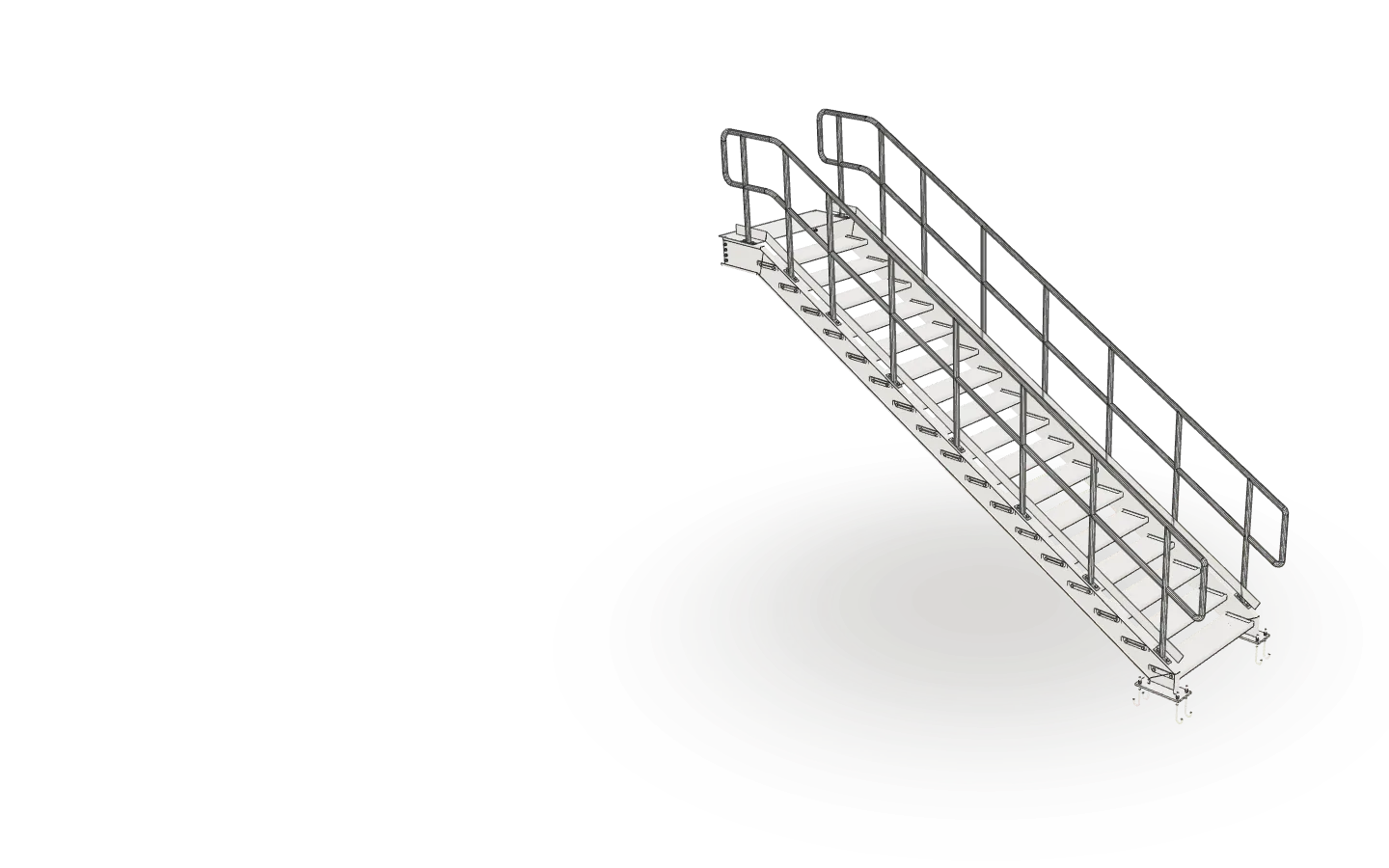
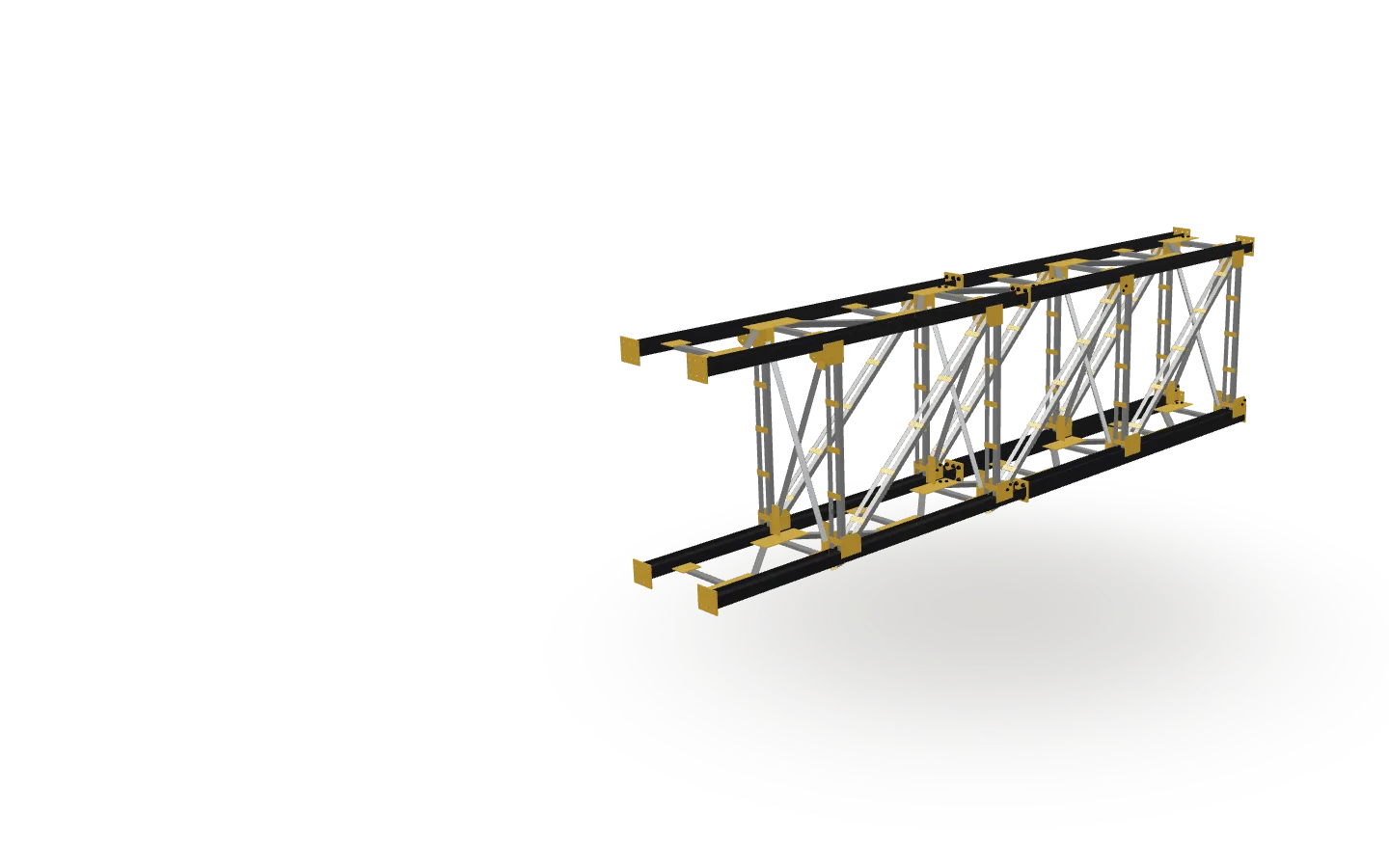
Illustrative transformation: the staircase and truss are different models.

Native

This is how IFC leaves Advance Steel.

All white. Every part the same generic type, and whoever opens it on the other side cannot tell a beam from a plate.

no colour · generic type · 4.9 MB

SteelX

Part by part, the right way.

Every part comes out with its layer colour, the right IFC type and the properties you picked.

IfcBeam · IfcPlate · layer colours

Lighter

1.8 MB where native gave 4.9.

On the same test mezzanine. Profiles and bolts are written as parametric parts, and the file shrinks.

IFC4 · IFC2x3 · parametric

Ready

Your client opens it and understands it the first time.

IFC export, lists your way, IFC import and a PDF list. All inside Advance Steel.

Advance Steel 2024 · 2025 · 2026 · 2027

What SteelX does

01 / 04What SteelX doesOn the IFC plan

IFC export window: version, roles, properties and georeferencing

IFC export

An IFC your BIM client opens and understands the first time.

The problemThe native IFC comes out heavy, colourless and missing parts, and the client sends it back.

With SteelXExports the Advance Steel model to IFC4 or IFC2x3 with faithful geometry, layer colours and per-part properties. Profiles and bolts are written as parametric parts, which keeps the file lighter.

01.1

Per-part properties, named the way you want in the IFC

01.2

Georeferencing and IFC classification in the same window

Command STEELXIFCLearn more

02 / 04What SteelX doesOn the IFC plan

List editor: pick the columns, with a live preview

Custom lists

Build your own bill of materials, Revit style.

The problemAdvance Steel lists are fixed, and changing them means editing databases.

With SteelXPick columns from over 60 fields, group, filter, total and add formulas. The list is saved and can be reused on other projects.

02.1

Over 60 fields: click and the column joins the list

02.2

The preview shows the finished list, with totals, as you build it

Manager: your saved lists, ready to reuse
Row sorting and grouping
Formulas between columns

Command STEELXLISTMANAGERLearn more

03 / 04What SteelX doesOn the IFC plan

Import: the types inside the IFC, and how they should come in

IFC import

Bring an IFC from any other software into your drawing.

The problemYou receive architecture or concrete as IFC and have no way to use it as a reference in Advance Steel.

With SteelXReads the IFC and lists the types it contains so you choose what comes in. Splits by type, by the IFC's own layers or into one layer, and keeps the original colours. Arrives as solids, which plot and dimension, or as mesh, ten times faster, for reference.

03.1

The IFC opened up: every type, with its count

03.2

Solid or mesh, split by layer and original colours

Command STEELXIMPORTIFCLearn more

04 / 04What SteelX doesOn the IFC plan

PDF list with your logo and company details

PDF and Excel lists

A list ready to send to the shop, with your company's look.

The problemCopying the list into Excel by hand and fixing the formatting at every revision.

With SteelXGenerates PDF and Excel from your custom lists, with logo, company details and signatures. One list at a time on any plan; several at once on BIM; batch by phase on Industrial.

04.1

The finished sheet: logo, revision, date and sheet number

04.2

Cover, index, watermark and signatures in one click

PDF cover, set up in the same window

Command STEELXBOMPDFLearn more

New in 2.0

New in 2.0

Model repetitive structures, see every part mark in 3D, number items without touching the official numbering, query your model with AI and prepare plates for fabrication. All in the 2.0 installer.

Structural macros

Bracing, trusses, guardrails, sag rods, purlin supports and column connections in a few clicks.

On the BIM planLearn more

  1. 01Bracing
  2. 02Bracing rod
  3. 03Double pitch truss
  4. 04Mono pitch truss
  5. 05Edge guardrail
  6. 06Central handrail
  7. 07Sag rods (purlin ties)
  8. 08Purlin Support Master
  9. 09W Beam Stub
  10. 10T-Plate for Tubes
  11. 11End plate on W flange for tubes

AI connector (MCP)

Talk to your model with the AI you already use.

On the BIM planLearn more

A real conversation, model open in Advance Steel 2025

How much does the steel in this mezzanine weigh?

as_agregar · answered in 2.9 s, read straight from the open model

In the open model the steel adds up to about 4,970 kg: beams 4,582.9 kg (336 parts), plates 374.6 kg (537), bolts 6.5 kg (405) and anchors 5.7 kg (11). I left out 70 negatively numbered parts, as in the shop list.

4,970 kg

of steel in the mezzanine

Beams
4,582.9 kg · 336 parts
Plates
374.6 kg · 537 parts

Plates to STEP

Each plate in its own STEP file for the cutting supplier.

On the Industrial planLearn more

Plate export: one STEP file per plate
What was left out, and why

3D Mark

Each part's mark written in the 3D view, as in Tekla.

On the IFC planLearn more

3D Mark tab open, with the profile written along each part

Itemized numbering

Like in Revit: identical parts share one item number, previewed before writing, without touching the official numbering.

On the BIM planLearn more

Itemized numbering: item preview before writing

Try it before you subscribe.

21 days free. No card. No payment registration.

  1. 01 Close Advance Steel.
  2. 02 Download and install SteelX.
  3. 03 Open Advance Steel and sign in with email or Google.
Download and try free for 21 days

For whoever signs off the purchase

What changes for the company, in three lines.

  1. 01A bill of materials ready for the shop, without copying into Excel by hand.
  2. 02An IFC the BIM client accepts the first time, no rework.
  3. 03Your team tries it for 21 days before paying. No card.

Plans

Try it for 21 days through the installer, no card. Subscribe purchases your plan now, with immediate billing.

SteelX IFC

For detailers who deliver IFC and lists.

US$ 9.90/month

Annual: US$ 99, the same as US$ 8.25/month

Save US$ 19.80 a year

Subscribe

Includes

SteelX BIM

Recommended

For BIM coordination and automation.

US$ 24.90/month

Annual: US$ 249, the same as US$ 20.75/month

Save US$ 49.80 a year

Subscribe

Includes

SteelX Industrial

For industrial projects with AWP and fabrication.

US$ 109.90/month

Annual: US$ 1,099, the same as US$ 91.58/month

Save US$ 219.80 a year

Subscribe

Includes

Prices in US dollars (USD). Your team tries it for 21 days before paying. No card.

Who builds it

Built by an Advance Steel user, for all of them.

SteelX is built by a steel detailer who got tired of doing by hand what Advance Steel would not do.

Fred, steel detailer and the creator of SteelX

FAQ

Is the trial really free?

Yes. 21 days, no credit card. Install, sign in with your email or Google and use it. Then choose a plan.

Which Advance Steel versions work?

Advance Steel 2024, 2025, 2026 and 2027, on Windows.

What is new in 2.0?

The 2.0 installer includes the 11-macro palette, 3D Mark, itemized numbering, the AI connector and plate STEP export. Check the plan for each feature.

Can I cancel anytime?

Yes. Cancel or change your card under My subscription, at the top of the page.

Is the license tied to one computer?

Your license follows your email. Use it on any computer, with one active session at a time. Sign in again when switching computers.

Do I need internet access?

Yes, to sign in to your account and validate your license.

Which plan do I try during the 21 days?

You can choose IFC, BIM or Industrial through the day counter on the SteelX ribbon and try the features of each plan.

Do I need Advance Steel installed?

Yes. SteelX is a plugin and requires Autodesk Advance Steel 2024, 2025, 2026 or 2027 installed on Windows.

21 days of trial, no card

Download SteelX.

Install, sign in with your email or Google and use it for 21 days, no card. Then choose a plan.

Windows installer

Advance Steel 2024, 2025, 2026 and 2027

Download and try free for 21 days

Advance Steel 2024–2027 · Windows · no card