All features 10
IFC by assembly
Beam, plates and bolts grouped as the assembly that goes to site.
On the BIM plan Command STEELXIFCASSEMBLY
View monthly and annual plans →
21 days free. No card. No payment registration.
Advance Steel 2024–2027 · Windows · no card
BeforeIn Navisworks, every loose plate is a separate object.
With SteelXBeam, plates and bolts in one assembly, the way they go to site.
Groups shop-welded and shop-bolted parts into assemblies in the IFC, keeping the hierarchy.
How to use it, in 3 steps
-
1
Type STEELXIFCASSEMBLY
In the SteelX buttons on the Advance Steel ribbon, or by typing STEELXIFCASSEMBLY on the command line.
-
2
Confirm the export options
-
3
Open in Navisworks or Revit: one click selects the assembly
OK
Beam, plates and bolts in one assembly, the way they go to site.
IFC from SteelX
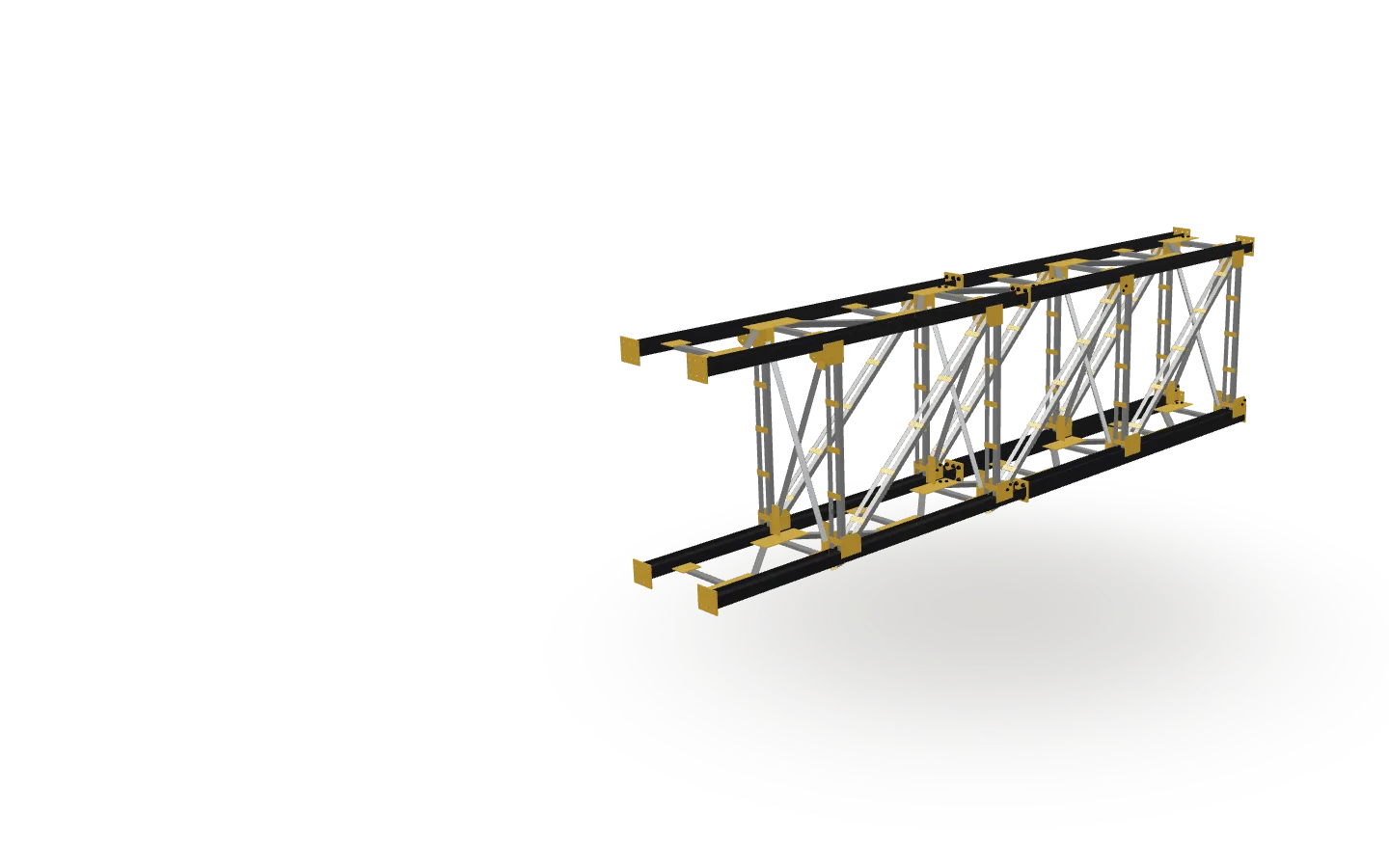
Drag to rotate.
Which plan has it
SteelX IFC
Not included
US$ 9.90/month
SteelX BIM
Included
US$ 24.90/month
SteelX Industrial
Included
US$ 109.90/month
FAQ
Which plan has it?
SteelX BIM, from US$ 24.90/month. The plans above it have it too.
Which Advance Steel versions work?
Advance Steel 2024, 2025, 2026 and 2027, on Windows.
Is the trial really free?
Yes. 21 days, no credit card. Install, sign in with your email or Google and use it. Then choose a plan.
21 days of trial, no card
Download SteelX.
Install, sign in with your email or Google and use it for 21 days, no card. Then choose a plan.
Windows installer
Advance Steel 2024, 2025, 2026 and 2027
Advance Steel 2024–2027 · Windows · no card